
- Published
- Nov 7, 2026
- Updated
- Nov 12, 2026
- Reading time
- 11 min read
Media3 IMA Preroll Freeze After Seek: Diagnose VAST 402
Diagnose a Media3 IMA preroll that stalls after pause and seek. Test the confirmed player-state race separately from VAST 402 media-file timeouts.
In this guide (7 sections)
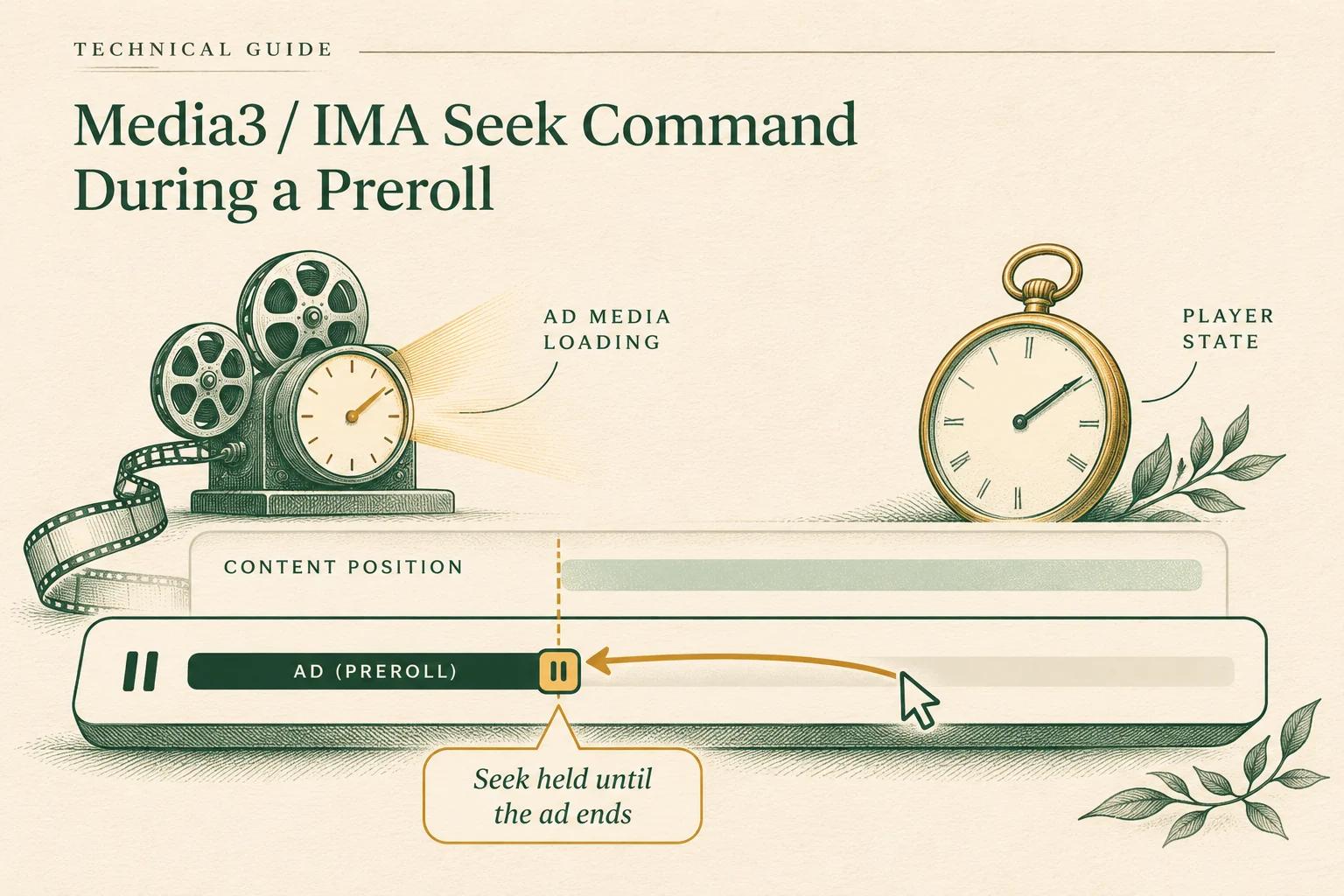
If a Media3 player stops advancing during an IMA preroll after a pause and seekTo, first reproduce the player-state sequence without the seek. Do not start by changing the VAST tag or increasing a timeout. A current Media3 issue reports that exact sequence, and a maintainer confirmed a position-state race in the issue thread. The maintainer's issue-scoped workaround is to avoid calling seekTo while player.isPlayingAd() is true. That finding explains a player-state failure in the reported setup; it does not establish that every IMA error 402 comes from this race. Original Media3 issue #3512 · Media3 ad insertion guide
The real question and what is confirmed#
On November 3, 2026, a developer reported that position freezes after a seekTo issued while an IMA ad is active, followed by a preroll that never starts and ends in VAST_MEDIA_LOAD_TIMEOUT (402). The report specifies Media3 1.11.1, media3-exoplayer-ima 1.11.1 and IMA SDK 3.39.0. It reproduces in the 1.11.1 demo on an Android 35 emulator with a single inline linear sample tag and buffered content. The reported sequence is: start the item, pause before the ad renders, wait about five seconds, then resume and seek to getContentPosition(). The reporter says the control run without the seek avoids the failure. Issue #3512 reproduction details
On November 5, a Media3 contributor replied that the reporter's analysis was correct: seeking inside an ad can race between a masked PlaybackInfo on the application thread and a PlaybackInfo posted from the playback thread. The contributor said this leaves the app-side position from advancing in the described case and confirmed that not seeking while player.isPlayingAd() avoids the race. On November 9, upstream commit ec5884e landed a fix in the Media3 main branch. Its release note says that an ignored seek during an ad could freeze getCurrentPosition() while another player operation such as setPlayWhenReady remained pending. The change returns before seek notifications, pending-acknowledgement increments and the synthetic playback-info update, avoiding stale seek analytics as well. Maintainer comment and issue history
Check the exact artifact before claiming it contains the fix. The inspected source at the 1.12.0-beta01 tag still uses the prior operation ordering, calling notifySeekStarted() and incrementing pending acknowledgements before the isPlayingAd() guard. The cited evidence establishes a main-branch commit and release-note entry, not the first stable artifact containing it. Verify your app's exact Media3 artifact and release notes. This remains a player-state defect associated with a VAST symptom in one reproduction; it does not mean every 402 has this cause.
The 402 is a separate signal. Google Ad Manager defines VAST error 402 as inability to download or timeout of the MediaFile URI; its general IMA guidance lists an eight-second default loadVideoTimeout. That is useful background, but the error code alone does not identify whether a particular Android incident came from a slow or unreachable asset, unsupported media, competing requests, or the app/player sequence. The issue title associates the observed 402 with this reproduction, but the maintainer comment confirms the position race, not a general rule that this race always causes error 402. Keep the platform and SDK version beside any timeout setting you test. Google Ad Manager VAST error reference
Reproduce the seek sequence before changing settings
Use a control run to separate player state from media-file loading and timeout evidence.
Use the tracking QA checklistOpens a practical guide. No email required.
First, isolate the player command sequence#
Build the smallest reproducible test from the issue's ingredients: the exact Media3 and IMA versions, one client-side IMA preroll, a known content item, and the same pause/resume timing. Run the same case repeatedly with only one variable changed. Capture whether the seek is issued while player.isPlayingAd() is true; the content position before and after; player playback state; playWhenReady; IMA ad events; and the terminal error. Keep timestamps on a shared monotonic clock if possible. Avoid running a different tag, build, network route, or content file in the control case.
| Run | Change | What it tells you |
|---|---|---|
| A: reproduction | Pause before the preroll renders; resume and seek as reported | Whether the reported sequence occurs in your installed versions |
| B: no-seek control | Keep the pause/resume timing, omit the seek | Whether the seek command is necessary for this reproduction |
| C: deferred seek | Resume, then apply a content seek only after the player is no longer playing the ad | Whether delaying content navigation avoids the reported ad-time race |
| D: normal playback | Play the same tag and content without pausing or seeking | Whether the tag/media path works under ordinary conditions |
These are diagnostic comparisons, not a universal test matrix. Preserve the exact result of each run, including failures. The issue reporter saw the control avoid the failure, and the maintainer confirmed an issue-specific workaround. Your own versions, tag, device and timing still need to be checked.
If the app's goal is to seek content while a preroll is active, define that behavior explicitly. getContentPosition() refers to the content timeline while an ad is playing; it is not evidence that seekTo() is currently safe to issue. Queue the requested content destination in application state and apply it after the ad break according to your product's navigation behavior. If you only need to resume the current content after a pause, avoid issuing a redundant seek during an ad. Guard the decision on the player state at the moment the command executes, not only when the user's action was first received; an ad can begin between a UI event and a queued player operation.
A narrowly scoped guard looks like this in pseudocode:
if (!player.isPlayingAd) {
  player.seekTo(targetContentPositionMs)
} else {
  pendingContentSeekMs = targetContentPositionMs
}
This illustrates the confirmed workaround's principle; it is not a drop-in lifecycle implementation. Decide where pending state is stored, what happens if the player is released, whether later user input replaces an earlier target, and when the seek is safe to apply. Verify these semantics against your installed Media3 version and app requirements. Do not call it a fix for Media3 itself; the upstream issue said a library fix was still being investigated.
Then diagnose a genuine VAST media timeout#
If 402 still occurs in the no-seek control or ordinary-playback run, investigate the ad media path independently. Preserve the ad request and response identifiers under your privacy policy, then inspect the returned VAST chain and the selected linear MediaFile: request start, redirect chain, response code, elapsed time to first byte and completion, MIME type, delivery protocol, dimensions/bitrate where exposed, and whether the test device can decode it. Compare the selected asset with the alternatives in the same response. A file that downloads successfully on a laptop may still be slow, inaccessible, or unsupported from the target device and network.
Google's troubleshooting guidance lists media-file URI availability and timeout as 402 causes; its remedies are to check timeout configuration and whether the creative URI returns a valid video creative. A longer timeout may be useful when measured media delivery is simply slower than the current budget, but it can also extend the time a viewer waits before the ad is abandoned. Change it only after confirming the request/asset timing and validating the user experience. A timeout increase cannot fix a seek-state race, malformed response, unreachable URI or unsupported encoding. Google Ad Manager VAST error reference
Also distinguish a VAST document or wrapper timeout from a media-file timeout. The IMA troubleshooting table has separate codes for obtaining the VAST response and for loading the selected media asset. If the response never resolves, follow the wrapper/tag path; if the response is received but its media asset fails to load, inspect the selected URI and playback compatibility. Do not interpret the shared word “timeout” as proof that the same request or component failed.
Trace ad events and positions separately#
During each run, record the lifecycle in order: content prepared, ad break requested/loaded, pause command, resume command, seek command (or intentionally omitted seek), ad started, quartile events, ad error or content resume. Capture isPlayingAd, getContentPosition(), getCurrentPosition(), playWhenReady, playback state and onPlayerError at the important transitions. Avoid treating a frozen content position as proof that the ad asset stopped transferring; correlate player-state logs with network and IMA events.
Media3 documents client-side ad insertion as a transition between content and ad media sources and exposes ad state through the player API. Its IMA extension wraps the client-side IMA SDK and supports VAST/VMAP insertion. That architecture is why the application command sequence and the selected media asset deserve separate evidence trails. Media3 client-side ad insertion
For each run, preserve a concise bundle: dependency versions; device/API and network; redacted tag/response identifiers; exact command sequence and timestamps; player and IMA event logs; selected media URI metadata; outcome of the no-seek control; and whether the failure ended in 402. This lets an SDK report, an ad-server investigation and a creative-delivery investigation each receive the evidence relevant to its layer. Do not publish full ad tags, user identifiers, auth headers or signed media URLs in public bug reports.
Common misdiagnoses#
- “Every 402 is a Media3 seek bug.” No. 402 concerns loading a VAST media file within the timeout. The issue confirms a state race in one sequence; the two observations may be connected in that reproduction, but the error code alone cannot prove the relationship.
- “The ad tag is broken because the position froze.” A frozen position is a player-state symptom. Compare the no-seek run and network/media-file evidence before escalating the tag.
- “Raising the timeout is the fix.” It may address a measured slow-asset case. It does not resolve the confirmed seek-during-ad race, and may lengthen the viewer's wait.
- “
getContentPosition()means I can seek now.” It provides content-position context; it is not a guarantee that an application-thread seek is safe while an ad is active. - “The maintainer confirmed a released fix.” The comment confirmed the reported race and workaround, and stated that a fix was being investigated. It did not link a change or identify a released version.
Practical checklist#
- Record Media3, IMA SDK, Android API/device, insertion mode and the exact tag/content used.
- Reproduce pause-before-render, resume, and seek with precise event timestamps.
- Run a matched no-seek control and ordinary-playback control.
- Check
isPlayingAd()when the seek operation actually executes; defer content navigation during active ad playback if appropriate. - Keep player position, IMA ad events and media request timings in separate logs.
- If 402 persists without the seek, inspect the selected VAST media URI, response, duration, MIME type and device compatibility.
- Change
loadVideoTimeoutonly when timing evidence supports it; measure the viewer impact. - Recheck the upstream issue for a linked fix and released version before attributing behavior to a newer build.
- Redact tags, identifiers and signed URLs before sharing logs.
For adjacent cases, see the existing Media3 IMA player-recreation guide when a lifecycle transition replaces the player, and the VAST timeout diagnostic when the request or media asset itself is slow. Those guides address different failure boundaries. For an app-level player incident, use Media3/IMA logs and the relevant SDK issue tracker. Keep that trace separate from a campaign-level delivery question. If your team needs to discuss measurement options for a related campaign review, contact AdProof with the platform, date range and event definition; the team can discuss supported delivery paths.
Frequently asked questions#
Does VAST error 402 prove the Media3 seek race caused the failure?
No. Google defines 402 as an inability to download or a timeout for the VAST media file. The Media3 maintainer confirmed the position-state race in the reported pause/seek sequence, but the code alone does not establish that the race caused every 402 or any other 402 event.
What workaround did the Media3 maintainer confirm?
For issue #3512's race, the maintainer confirmed that not calling seekTo while player.isPlayingAd() avoids it. The same comment said the team would update the issue when a fix lands. Check the issue for later changes before relying on a particular release.
Should I increase IMA's media load timeout?
Only consider it when logs show the selected media file needs longer to load and the longer wait is acceptable. It will not resolve a player-state race, and the 402 diagnosis should begin with the actual VAST media URI, response timing and playback compatibility.
Reproduce the seek sequence before changing settings
Use a control run to separate player state from media-file loading and timeout evidence.
Use the tracking QA checklistOpens a practical guide. No email required.