
- Published
- Nov 6, 2026
- Reading time
- 10 min read
AdMob Video Ad Volume: Audit Mute and App Controls
Audit AdMob video sound by SDK, format and app state. Separate volume signals, native controls and mediation behavior from observed playback evidence.
In this guide (9 sections)
Do not assume that every AdMob video ad starts muted, or that muting your app's music automatically updates the ad SDK. Identify the SDK family and ad format, preserve the user's actual audio choice, and check the setting supplied to the component playing the ad. Then observe the returned ad on the intended device. A mute parameter in a log does not by itself prove silent playback.
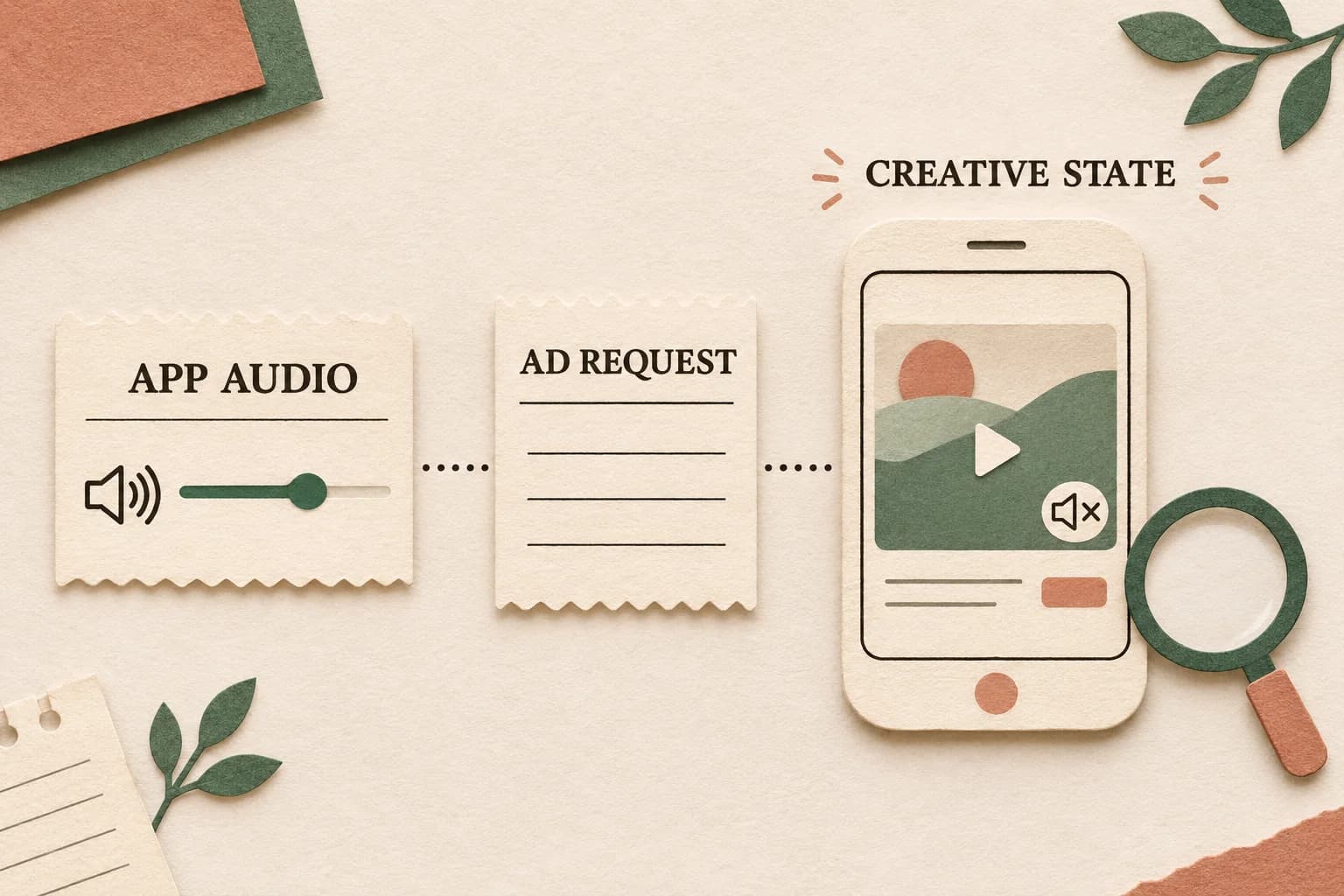
Start with one affected presentation and one controlled comparison. Keep device volume, custom app controls, SDK settings, ad-supplied controls and observed audio in separate fields. That distinction makes unexpected sound diagnosable without changing every request to muted or disabling unrelated audio.
An April 2021 Stack Overflow question about default-muted interstitials asks whether an explicit mute call is required. Its lone answer proposes a volume value while the questioner repeats that the task is muted playback with an unmute control. A separate interstitial-audio question from April 2014 includes older system-audio workarounds and later SDK advice. These are evergreen questions, not evidence of a new AdMob incident. Use current SDK contracts rather than copying their historical code.
Identify the sound state you intend to preserve#
Write the product expectation before editing an API call. A user who muted the app, a device with its volume lowered, and an ad configured to start muted are different states. Specify what should happen when the user subsequently operates the supported sound control.
A useful incident statement is: “The app's custom mute control was enabled before this presentation, but this returned ad was audibly playing.” That names an observable mismatch. “AdMob ignores mute” does not identify the format, SDK, source or timing needed to investigate it.
Preserve this small record for each test:
| Layer | Evidence to capture |
|---|---|
| Device | OS/runtime version, audio-output route and observed device-volume state |
| App | Custom volume value, mute choice and the time each changed |
| Integration | SDK family/version, bridge or plugin version, ad format and returned source |
| Configuration | Setting actually supplied, owning object and application time |
| Presentation | Loaded/shown/closed boundaries and relevant supported callbacks |
| Observation | Actual sound state, control behavior and any later change |
Use authorized test ads and a controlled environment. Avoid copying private device identifiers or raw user recordings into a shared support packet. A synthetic test reference can link restricted logs without exposing a person's activity.
Verify the native delivery path alongside audio state.
Use authorized tests to distinguish app wiring, returned creative and campaign eligibility.
Audit AdMob deliveryOpens a practical guide. No email required.
Check the SDK family before copying an API name#
Google's current Android documentation separates the legacy Google Mobile Ads SDK from GMA Next-Gen. The legacy global-settings guide names setAppVolume() and setAppMuted(). The Next-Gen guide instead names setUserControlledAppVolume() and setUserMutedApp(). Match the installed dependency, imports and bridge implementation to the relevant reference.
Both references describe relative app volume on a zero-to-one range. A value of 0.5 is not a universal minimum, and it does not mean an absolute physical sound level. The documented global default is current-device-volume behavior with the app not muted. That default is not a statement that every creative or every ad format presents identically.
| Implementation being inspected | Documented global audio setting to verify |
|---|---|
| Android legacy Mobile Ads SDK | setAppVolume() and setAppMuted() |
| Android GMA Next-Gen | setUserControlledAppVolume() and setUserMutedApp() |
| iOS Google Mobile Ads SDK | applicationVolume and applicationMuted |
| Wrapper or game-engine bridge | Its mapping to the actual installed native SDK |
| Native ad video | Its format-specific video options and returned-controller support |
The table is a routing aid, not interchangeable code. A method available in one SDK family does not establish support in an older packaged bridge. Save the dependency information used to choose the documentation. A documentation update date also does not establish when an API first shipped.
Report the user's app controls truthfully#
These volume interfaces describe the app's own controls relative to device volume. Choose the value from the real user setting, not from an invented “safe” constant. If the app exposes separate music and effects sliders, have the product and implementation owners agree which setting represents the app's intended ad-audio experience.
Trace where that choice is applied. An initialization path can set one value while another callback or screen transition restores an older value. Test the first presentation and a later presentation, rather than assuming the same state survives closing an ad, recreating a screen or restoring a saved preference.
Google's Mobile Ads volume-API guidance says these APIs should mirror custom app controls. It recommends testing the audio experience with test ads. It also explains that inaccurate always-muted reporting can restrict eligible video inventory. That is a reason to supply truthful state, not a reason to override a user's mute choice. No specific earnings change follows from this article's diagnostic tests.
Keep state changes observable: record the user's intended value, the API call the bridge actually made, the returned ad source and the subsequent observation. A log saying “mute button clicked” proves an interface action; it does not establish that the native SDK received that state.
Treat native video as a separate format branch#
Do not apply an interstitial answer to a native ad solely because both contain video. Native has its own initial-sound and control contract. Google's Android Next-Gen native options documents a start-muted request and separately describes requesting custom playback controls. The returned ad must be checked for actual custom-control support; asking for that feature does not prove it was supplied.
For iOS, the global reference directs native mute configuration to video options and says custom volume control is unsupported for native ads. Keep that limit separate from the global settings for the listed full-screen and banner formats.
When testing native video, retain the actual media/controller associated with this returned ad, requested initial mute state, supported controls and relevant event callbacks. Google's Android video-event guide illustrates mute notifications alongside playback events. A callback is evidence of the SDK's reported state, while the visible control and observed output are separate acceptance checks.
Do not place an unsupported custom control over the ad or fabricate a callback to make an audit pass. If the intended control is unavailable, record the supported behavior and ask the implementation owner for an appropriate design on that format.
Keep mediation and iOS audio-session ownership explicit#
A Google SDK setting does not establish that every mediated source receives the same instruction. The current iOS global-settings page explicitly says its video volume controls apply to Google ads and are not forwarded to mediation networks. Preserve the actual returned source and adapter before generalizing a successful Google test to the rest of the waterfall or bidding setup.
Ask the relevant adapter/source owner for its supported audio contract and a representative test. An unexplained mediated result should remain unresolved until that evidence exists; do not silently classify it as an SDK defect or promise that a global flag fixes it.
Audio-session ownership is another iOS branch. The same reference documents audioVideoManager and application-managed audio-session behavior. Use that contract if the application owns audio-session decisions. Changing the category to solve one ad interaction can affect the surrounding app experience, so test content audio before and after the ad as well.
This is separate from Google IMA custom-player callbacks, which use a different SDK and playback contract. For web playback denied by the browser, use the HTML5 IMA autoplay workflow. Neither neighboring guide establishes AdMob mediation or native-format support.
Run a small state-transition test#
Build a representative matrix for the platforms, formats and sources you actually ship. Choose cases from the product requirements rather than testing every imaginable combination or muting all users as a diagnostic shortcut.
Recommended transitions include:
- Start with the documented app preference and capture the first ad presentation.
- Change the custom mute/volume control, then inspect the next request and presentation.
- Operate the supported ad control and check the observed state and interface indication.
- Close the ad and verify the app's intended audio state is restored or retained.
- Present another ad and check that stale state has not returned.
- Repeat the relevant comparison on the actual mediated source or wrapper, where supported.
Save a before-and-after trace for an authorized correction. Change one demonstrated boundary at a time. An ad being quiet in a single run may reflect the device setting or a different creative, so keep those control conditions with the result.
If an ad makes sound outside the intended presentation interval, retain that lifecycle evidence separately. Do not infer a known, universally reproducible SDK bug from a forum anecdote. The useful escalation names the loaded/shown/closed sequence, exact dependency and returned ad, with a reproducible authorized test.
A hypothetical audit with an honest residual#
Suppose a synthetic acceptance sheet has twelve planned presentations across the application's supported configurations. Every row has an explicit expected sound state based on the real test choice. These invented figures describe evidence completeness, not AdMob performance.
| Test result | Presentations |
|---|---|
| Expected setting, supported control and observed output matched | 8 |
| App choice did not reach the SDK call evidenced in the trace | 2 |
| SDK setting was observed, but actual sound evidence is missing | 1 |
| Mediated source's control contract remains unverified | 1 |
| Total planned presentations | 12 |
Eight of twelve, or approximately 66.7%, have this sheet's complete acceptance evidence. Two have a demonstrated app-to-SDK handoff gap. The other two require different evidence; neither should be counted as confirmed loud or confirmed silent.
After correcting the two handoff cases, rerun those cases and the relevant controls. Do not declare all twelve successful because ten now carry the intended API value. A measurement can be complete at one boundary while remaining unverified at the next.
Likewise, the twelve presentations are not twelve unique people. These counts do not establish audible-impression certification, viewability, completion, invalid traffic, billed waste or earnings. Keep each metric's population and definition with its own report.
Close with the first demonstrated mismatch#
Send the engineering or source owner the expected state, SDK/format/source mapping, exact transition, actual API evidence and observation. Ask one bounded question: for example, whether the bridge forwards the custom mute choice on the second presentation. Preserve unresolved fields rather than filling them with a favorable assumption.
For supported campaigns sending relevant events to AdProof, retain a matching campaign/date/timezone-scoped export alongside the application's runtime and source-provider evidence. Confirm the available event types first. An AdProof impression or video-stage record does not independently establish the device's audio output or a provider's mute implementation.
The anonymized streaming-publisher case provides campaign-reconciliation context. Discuss the evidence available for your campaign with AdProof, including where the audio observation must come from. This workflow does not imply an AdProof AdMob connector, automatic sound capture, player control or revenue guarantee.
Frequently asked questions#
Are all AdMob interstitials muted by default?
Do not assume so. The current global references describe an unmuted app default, and the actual result also depends on format, source and runtime. Verify the installed SDK's contract and the returned ad instead of generalizing from another app.
Is 0.5 the lowest supported app-volume value?
No. The referenced global volume APIs document a range from zero to one. A relative value is not an absolute sound-pressure level; use the actual custom app preference and check supported playback behavior.
Does a Google SDK mute setting control every mediated ad?
Do not infer that. Google's iOS reference explicitly excludes forwarding these volume controls to mediation networks. Verify the actual source/adapter contract on the platform you use and keep untested combinations unresolved.
Does a mute callback prove an audible or viewable impression metric?
No. It reports one SDK state. Actual output, rendering, visibility, playback progression and the measurement provider's counting contract require their own evidence. A sound-control test should not manufacture missing measurement events.
Verify the native delivery path alongside audio state.
Use authorized tests to distinguish app wiring, returned creative and campaign eligibility.
Audit AdMob deliveryOpens a practical guide. No email required.