
- Published
- Oct 29, 2026
- Updated
- Oct 31, 2026
- Reading time
- 12 min read
GA4 SPA Pageviews Missing or Doubled? Audit Route Changes
Fix missing or duplicate GA4 SPA pageviews by tracing initial loads, route changes, history settings and page context through one controlled test journey.
In this guide (9 sections)
When a single-page application records only its landing page, or records two pageviews for each navigation, trace one route transition before adding another tag. Identify who sends the initial page_view, who sends virtual pageviews, and which browser-history changes represent a screen you actually want counted. Then verify both the event count and the page context.
The easily missed detail: Google's current pageview instructions say send_page_view: false suppresses the default pageview from the configuration command, but does not independently stop Enhanced Measurement from sending pageviews on history changes. A manual implementation needs an explicit decision about both paths.
This guide answers two genuine, older questions: a Turbolinks implementation receiving an additional history-change pageview, posted in May 2023, and a GTM user whose SPA tracking appeared to stop after navigation. These are evergreen implementation problems, not evidence of a new GA4 outage. Their suggested fixes should be tested against the current documentation and your actual application.
Define the screen you intend to count#
Start with the product journey, not the number of URLs in the address bar. Decide which completed navigation creates a new measurable screen. A route change to another product, a filter adjustment, an opened modal and an authentication redirect may have different intended treatment. For site search, define results, repeated terms and autocomplete selections separately. A measured route transition does not, by itself, identify a search submission or suggestion selection.
Google's SPA measurement guide describes browser-history tracking and custom-event approaches. It recommends checking a new page_view for each intended virtual screen and comparing the location and referrer with the preceding event. That is the target to verify; a History Change trigger firing is only an intermediate observation.
Write a small measurement contract:
| Interaction | Intended pageview policy | Evidence to retain |
|---|---|---|
| Direct entry to a screen | One initial pageview, subject to the approved collection behavior | Landing URL and initial event |
| Completed navigation to another screen | One virtual pageview | Router completion and resulting screen |
| Browser Back or Forward | Count the displayed screen under the same policy | Navigation action and resulting event |
| Filter or sort adjustment | Decide whether it is a new screen or another interaction | Explicit inclusion or exclusion rule |
| Cancelled navigation | No view of a destination the visitor never saw | Failure/cancellation observation |
| Redirect through an intermediate route | Decide whether the intermediate screen was actually displayed | Redirect sequence and rendered destination |
These are proposed test policies, not universal GA4 rules. Agree them with the implementation owner. Otherwise, a cleanup that lowers event volume may simply remove pageviews the business intended to measure.
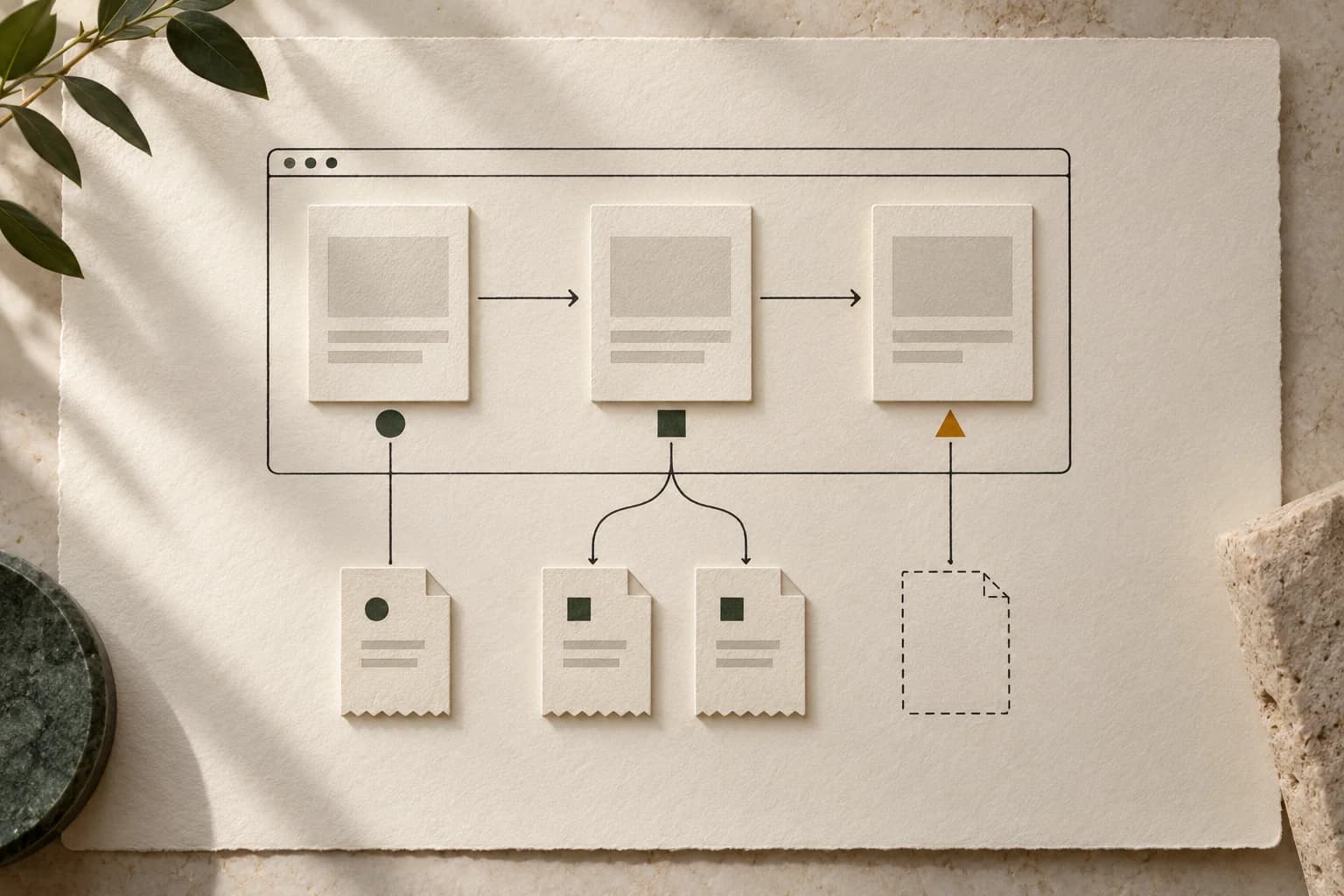
Trace one route change end to end
Record each pageview sender and the page context for one navigation.
Use the tracking QA checklistOpens a practical guide. No email required.
Inventory every sender for one destination#
Record the GA4 property, web stream, installed Google tags, GTM container versions and application analytics libraries. Include CMS plugins and direct code. Keep private identifiers in your investigation, not a public support post.
For the test destination, list the potential senders separately: the initial Google tag, an automatically measured history event, a GTM GA4 Event tag and an application router callback. Two tags on a page do not prove two copies of this event; inspect what they actually send.
When a second event name appears after a route action, trace the GA4 Create and Modify rule lineage before assuming the router sent it twice.
Use GTM preview and Tag Assistant to connect the tested action with its tag sequence. Preview can execute a workspace draft as though it were deployed. Label that result as a draft test, then repeat the approved check on the released configuration before closing the defect.
Capture these checkpoints in one timeline:
- The visitor completes the intended screen transition.
- The application emits a router or history signal.
- A specific tag executes for that signal.
- Its event targets the expected web stream with the expected context.
- The receiving diagnostic shows the corresponding
page_view, where eligible.
If the app calls both replaceState and pushState during one navigation, record both. If two separate senders react to the same signal, record that overlap too. They require different corrections.
Choose one owner for virtual pageviews#
There are several valid designs. Problems arise when two designs silently run together or when neither owns a particular transition.
| Design | Initial load | Later intended screens | Main overlap to investigate |
|---|---|---|---|
| Enhanced Measurement history tracking | Verify the initial Google tag's pageview | Automatic history-based pageviews | Additional GTM or application pageview sender |
| GTM owns virtual pageviews | Explicit initial-load strategy | Selected GTM virtual-pageview tag | Automatic history tracking still enabled |
| Application owns all pageviews | Explicit manual initial event | One approved application callback | Configuration default or automatic history path still active |
For the GTM route, Google's current SPA tutorial starts by turning off automatic history-based pageviews in the selected GA4 web stream. It then sequences a Google tag configuration update before the GA4 virtual-pageview event. Follow the complete tutorial for that implementation rather than combining isolated steps from older Universal Analytics examples.
Do not infer that turning off history tracking also removes every initial pageview. Conversely, do not suppress the initial configuration pageview unless another intended path replaces it. Test a direct entry to a deep link as well as navigation from the homepage.
When assessing a directly coded manual setup, check configuration suppression and the stream's history setting separately. A single switch does not inventory the application code, other containers or a plugin. Change only a demonstrated overlapping path, retain rollback details, and repeat the same journey.
Separate history activity from a completed screen#
Google's Enhanced Measurement reference identifies pushState, popState and replaceState as relevant browser-history signals. These signals explain why collection can happen without a full document reload. They do not establish your intended screen-counting policy.
A router may normalize a URL, replace a tracking parameter or update a filter while leaving the same screen visible. Another application may render a new screen without producing the history signal the installed tag expects. Observe the implementation rather than assuming all frameworks behave alike.
Run the test with a small action log. For each action, record the displayed screen, resulting URL, any history signal and emitted pageviews. Mark uncertain transitions for developer review. Do not remove all replaceState events just because one example was redundant; another route may use that mechanism for genuine navigation.
A custom route-completed event can make the contract explicit when automatic history signals are insufficient. Google's data-layer documentation explains event messages and their processing order. Keep the relevant route context together with the event that triggers its tag. A variable update somewhere nearby in the queue is not by itself proof that the tag read the new value.
This is an implementation recommendation to evaluate, not a requirement to replace a functioning automatic setup. Avoid adding a second custom route event on top of an existing working sender.
Verify location, title and referrer as separate fields#
One correctly named event per screen can still describe the wrong page. In your timeline, compare the expected destination screen with page_location, page_title and page_referrer on each recorded pageview.
Google's configuration reference defines these fields and their defaults. A manually overridden location should represent the intended full URL. A title read before the application updates it can describe the preceding screen. Treat a stale value as a context defect even when the count is correct.
For referrers, distinguish the external source of the initial arrival from the preceding virtual screen. The GTM SPA tutorial warns that the standard Referrer variable captures the initial source; a previous-virtual-page implementation may need its own stored value. Verify the result for your chosen setup instead of replacing every referrer with the current URL or copying the same value through the whole journey.
Include a meaningful later interaction after navigation, such as an authorized form step or a scroll. Check whether it carries the intended page context too. Google's user-engagement explanation describes time attached to collected events, so finding a pageview alone does not finish a review of the surrounding engagement timeline.
Minimize test URLs and parameters. Do not send personal information in the page URL, title or a convenient diagnostic field. Use synthetic routes and identifiers wherever possible.
Work a controlled example before comparing totals#
Consider this hypothetical five-action test. The agreed policy counts a direct arrival and three completed screen navigations. A filter adjustment remains on the current screen and should not create a pageview under this particular contract.
| Test action | Expected pageviews | Observed pageviews |
|---|---|---|
Direct entry to /offer | 1 | 1 |
Open /options | 1 | 2 |
Change an /options filter | 0 | 1 |
Open /quote | 1 | 2 |
Go Back to /options | 1 | 2 |
| Total for this test | 4 | 8 |
The test has four excess observed events relative to four expected events: (8 − 4) / 4 × 100 = 100% above the agreed count. That denominator is expected events in this controlled journey. It is not a site-wide duplication estimate or a customer outcome.
Suppose the trace shows one automatic history event and one manual event for each real route change, plus an automatic event for the filter update. That evidence supports reviewing overlapping ownership and the filter rule in this tested implementation. The aggregate total alone would not distinguish those causes from a route callback registered twice.
After a proposed correction, rerun all five actions. Passing means the intended counts and screen fields match, then the released version passes the same cases. If the total becomes four but the events all say /offer, the count check passed and the context check failed.
Keep consent, collection and reporting evidence distinct#
Repeat the appropriate journeys for the collection behavior your organization has approved, including a return visit and a changed consent choice where applicable. Do not force every test to produce an event by changing the visitor's choice or weakening consent checks.
Google's DebugView guidance describes debug setup and notes that privacy controls or denied Analytics cookie consent can prevent events appearing there. An absent DebugView event is therefore a diagnostic gap to investigate, not automatic proof that a route callback failed.
Once the controlled trace is understood, compare reports using the same property, web stream, date range, timezone, dimensions and filters. Google's freshness documentation explains that processed reporting can change during its processing period. Waiting cannot correct two demonstrated senders, and an immediate report comparison cannot replace a mature validation.
Use the GA4 request-to-report guide if a correctly scoped request still has no receiving evidence. Use the (not set) investigation when the remaining problem is missing landing-page or acquisition context. Those tasks should not be collapsed into a new tag installation.
Retain a release-level acceptance record#
Your handover should identify the tested site and container versions, destination, approved screen policy and exact journey. Include negative tests: cancelled navigation, an excluded filter change and another visit to the same route. “Once per route string forever” can suppress legitimate revisits; “once per callback invocation” can count internal rerenders.
The broader marketing tracking QA checklist helps attach this route test to a release. Keep the before-and-after trace, the change that removed the demonstrated overlap and the cases still untested. Preserve the original affected period rather than silently presenting corrected collection as a repair of historical records.
For campaign investigations, keep ad-delivery counts separate from on-site pageviews. The fashion-retail duplicate-counting case illustrates why a counting policy belongs beside a total; it does not establish GA4 behavior or equate an ad impression with a virtual pageview.
If you use AdProof, retain the campaign scope, date window and counting basis in your campaign-event or report export, then compare that evidence with the independently documented site journey. Request a demo to review the campaign evidence workflow. This is not a promise that AdProof changes GTM, repairs SPA routing or provides a direct GA4 integration.
Frequently asked questions#
Does send_page_view: false stop all GA4 pageviews?
No. It suppresses the default pageview from the Google tag configuration command. Google's current pageview guide says Enhanced Measurement can still send history-based events independently. Inspect the relevant web-stream setting and any manual senders before concluding that all automatic paths are disabled.
Should every browser-history change count as a pageview?
Use an explicit screen policy. Some history changes correspond to a new screen; others normalize URLs or update filters. Record the displayed screen and actual events for representative actions. Do not remove an entire history-event type solely because one observed update was redundant.
Why is the pageview count right but the page title wrong?
The tag may have read context before the application finished updating it, or reused a stale override. Compare the route-completion timeline with the parameters on the actual event. Correct counts, location, title and referrer are separate acceptance checks.
Can I fix duplicate pageviews by filtering them out of a report?
A report filter can change what you see, but it does not demonstrate that collection is correct. Locate the overlapping senders or repeated navigation signals first, test the proposed correction, and verify the released version. Preserve the affected historical period and any remaining reporting limitations.
Trace one route change end to end
Record each pageview sender and the page context for one navigation.
Use the tracking QA checklistOpens a practical guide. No email required.